
LTE (GSM) settings
The LTE menu contains all settings responsible for internet connectivity and SMS communication. LTE connectivity is provided by a built-in modem. To use it, insert a SIM card into the slot. Please ensure that the PIN lock is disabled before inserting the card.
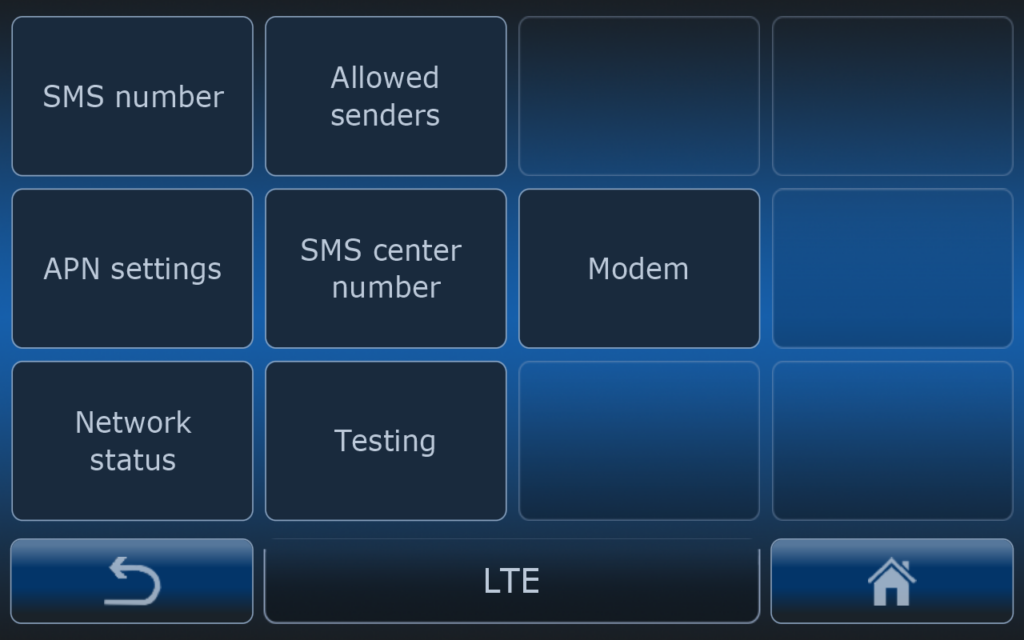
SMS number
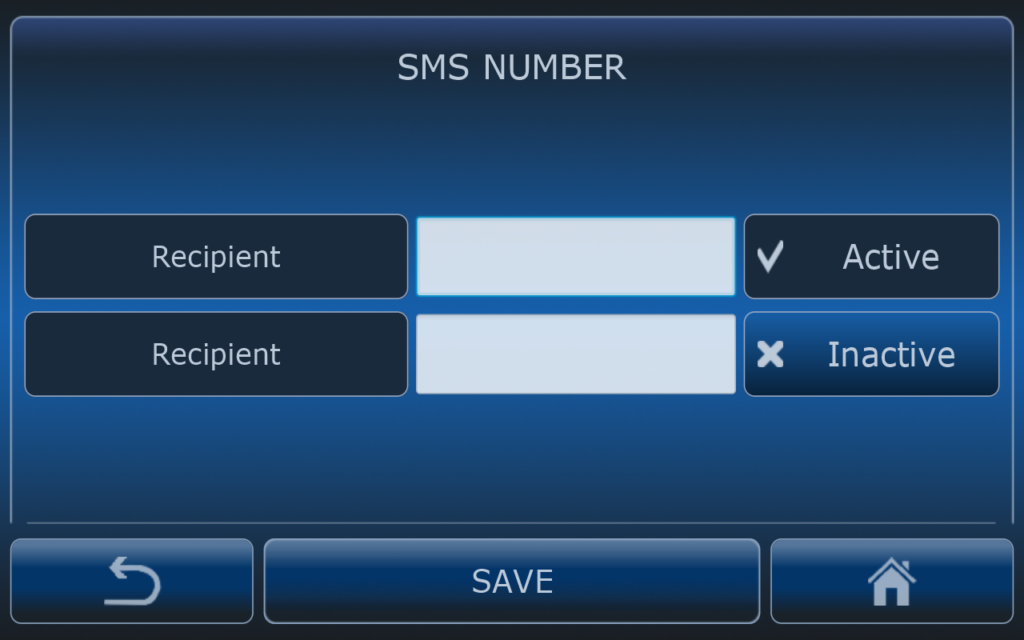
Computer can send text messages to number which are selected in this menu. You can add 2 different reciepient numbers.
Text messages are sent accoridng to alarm settings. Each type of implement can have different menus for alarms. In case of sprayer typical SMS alarms are: pressure alarm, appication rate alarm, tank level alarm.
Allowed senders
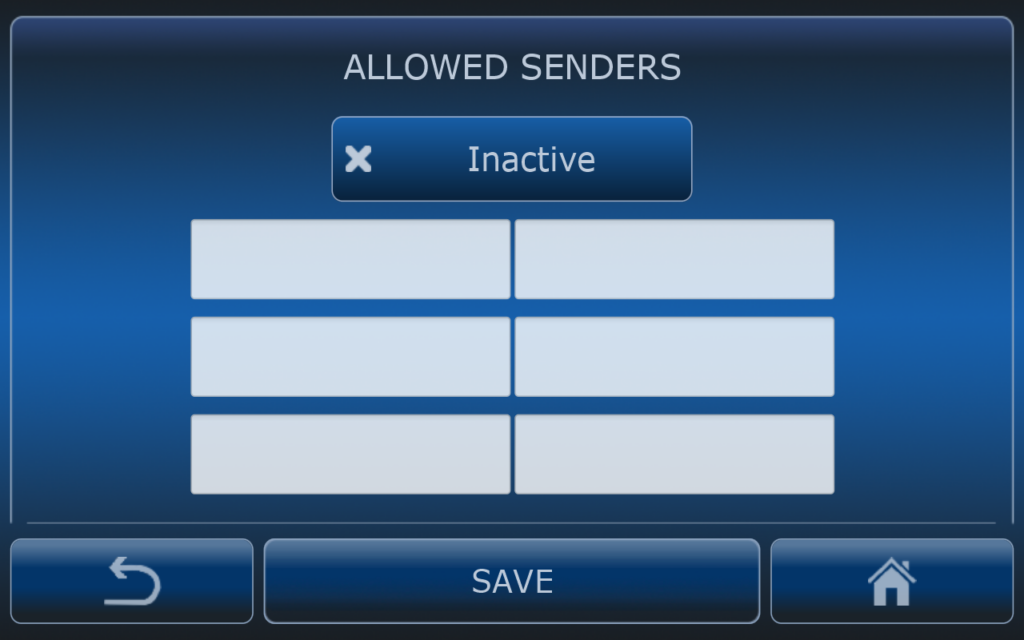
Allowed senders menu is for inserting phone numbers that are allowed so send text commands to the eSpray computer. If this feature is active computer will listen to the commands that are sent from listed numbers. If not active computer will listen to commands from any phone number.
This functionality is especially for autonomous systems.
APN settings
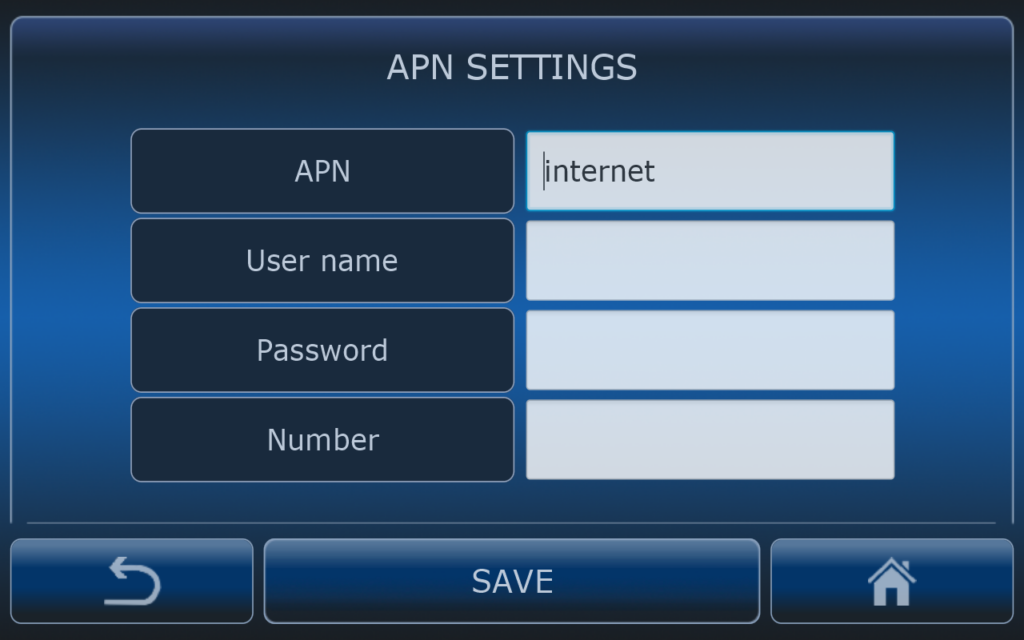
For internet connection which is needed for:
- NTRIP caster connection ( RTK correction services)
- connection with GOtrack Farm Manager
For internet connection it is very important to use correct APN name. Ask your mobile phone carrier for the APN name. If APN name is not suitable then internet connection will not work or it can work improperly (slow or intermittent data transfer).
Most of cellural carriers do not use user name, password or number. If not specified leave these fields empty.
SMS Center
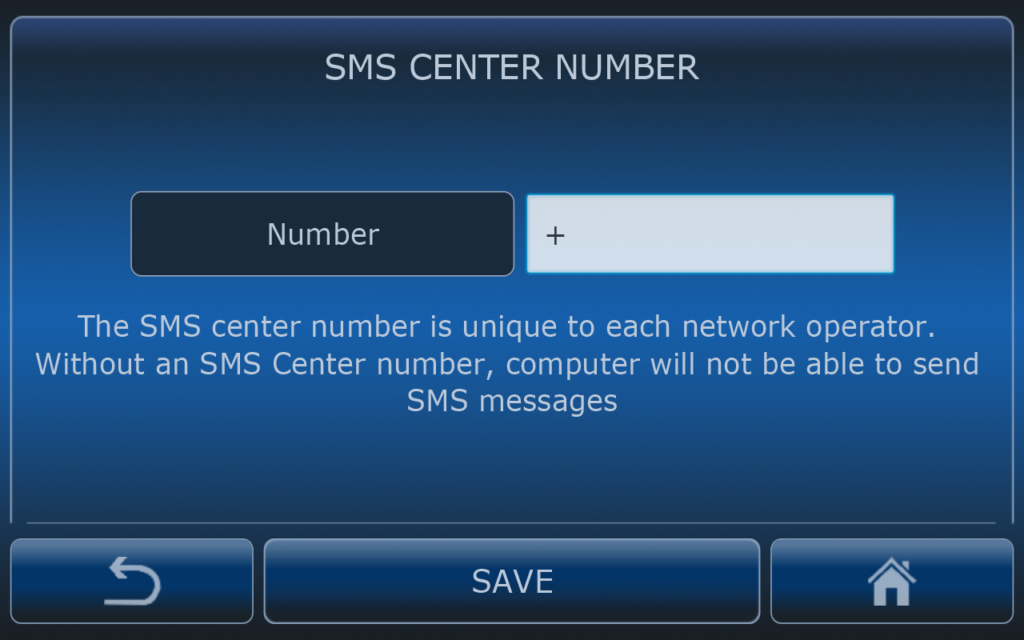
SMS Center number is needed for proper sending SMS. Each operator has it’s own number. Please ask you mobile operator to for that number.
Modem
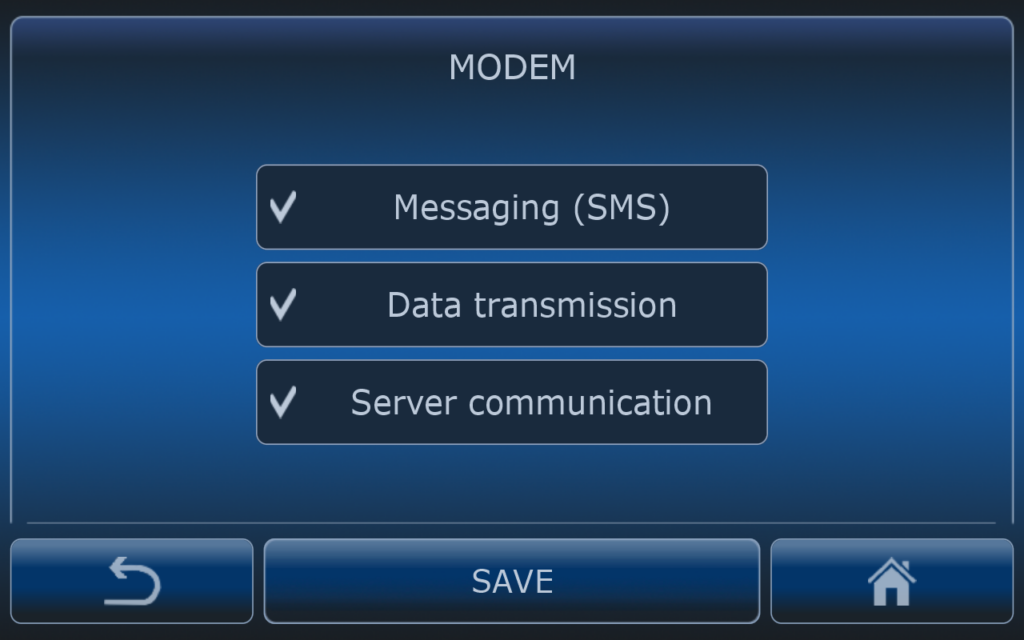
In this menu user can enable or disable:
- messaging (SMS)
- data transmission (internet connection mostly for NTRIP server connection, data backup),
- GFM server communication
Network status
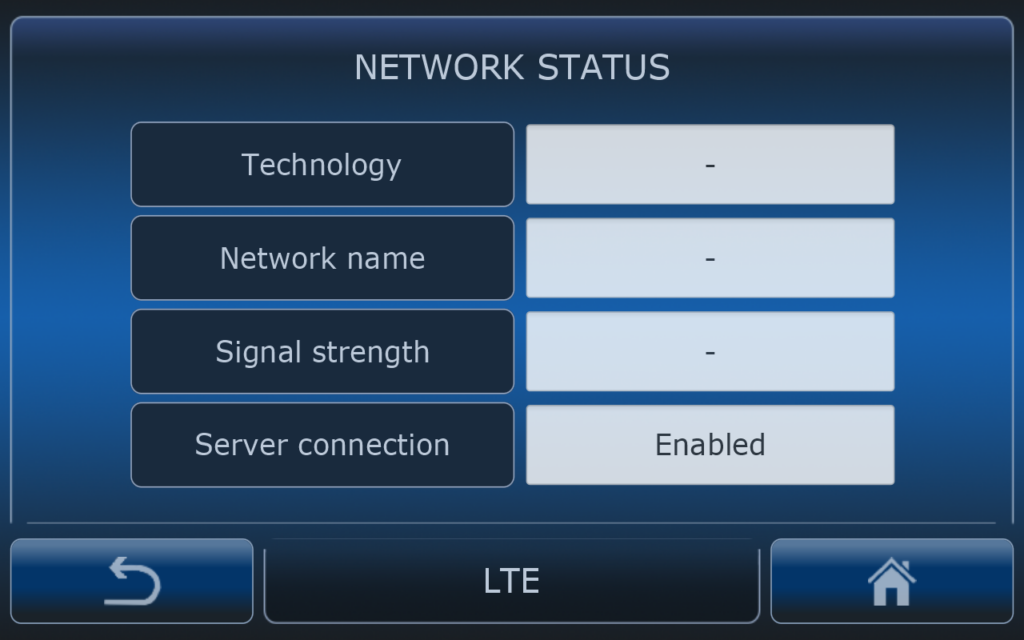
This menu is for checking if computer is connected to the LTE network, which LTE technology is used for internet connection, signal strenght.
Testing
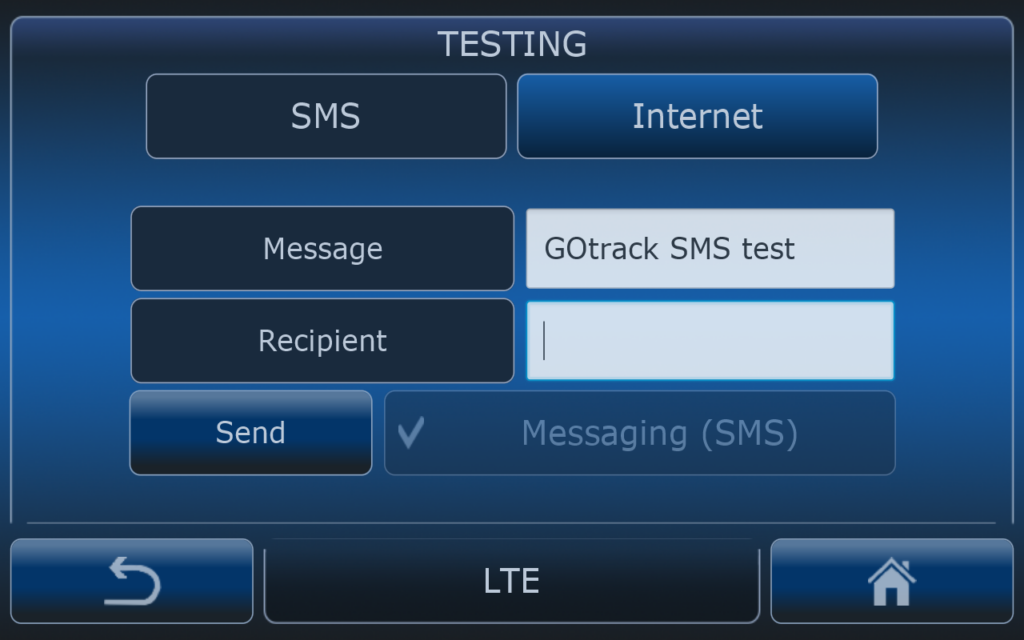
In tetsing menu user can check if computer can send text messages.
If SMS message is not received then SMS center number has to be verified.
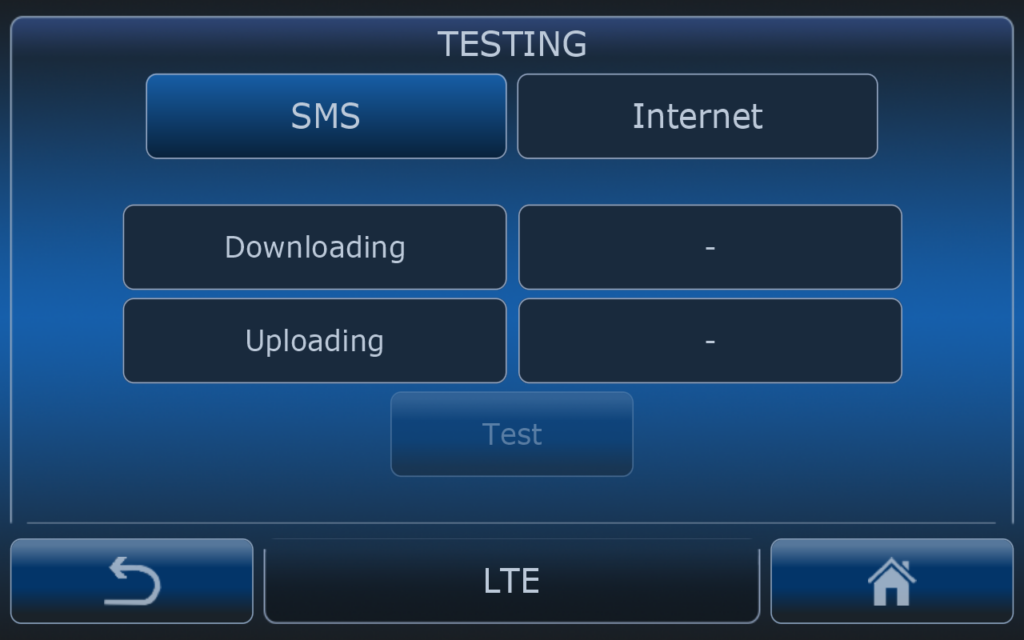
In the internet testing menu user can check connection speed for downlink and uplink.
If after test speed is 0 kbps please check APN settings or signal strenght.